
In today’s fast-paced digital world, having a reliable and efficient PC setup is essential. Whether you’re a gamer, a content creator, or someone who simply needs a powerful machine for everyday tasks, building your own PC can be an incredibly rewarding experience. Not only does it allow you to customize your setup to fit your specific needs, but it also gives you the opportunity to make eco-conscious choices that align with sustainable practices. In this guide, we will walk you through the essential steps to build your own PC while emphasizing the importance of ethical sourcing and sustainability.
**Understanding the Components**
Before diving into the assembly process, it’s crucial to understand the main components that make up a PC. The key parts include the motherboard, CPU (central processing unit), GPU (graphics processing unit), RAM (random access memory), storage (HDD or SSD), power supply unit (PSU), and the case. Each component plays a vital role in the overall performance of your machine. When selecting these parts, consider looking for products that are certified by standards such as Energy Star. This certification ensures that the products meet strict energy efficiency guidelines, which not only helps reduce your carbon footprint but also saves you money on energy bills in the long run.
**Choosing Eco-Friendly Components**
When shopping for your PC components, prioritize brands that are committed to sustainability. Many manufacturers are now focusing on ethical sourcing and environmentally friendly production processes. For instance, some companies use recycled materials in their products or have initiatives in place to reduce waste during manufacturing. By choosing these brands, you not only support eco-friendly practices but also contribute to a market that values sustainability.
**Building Your PC**
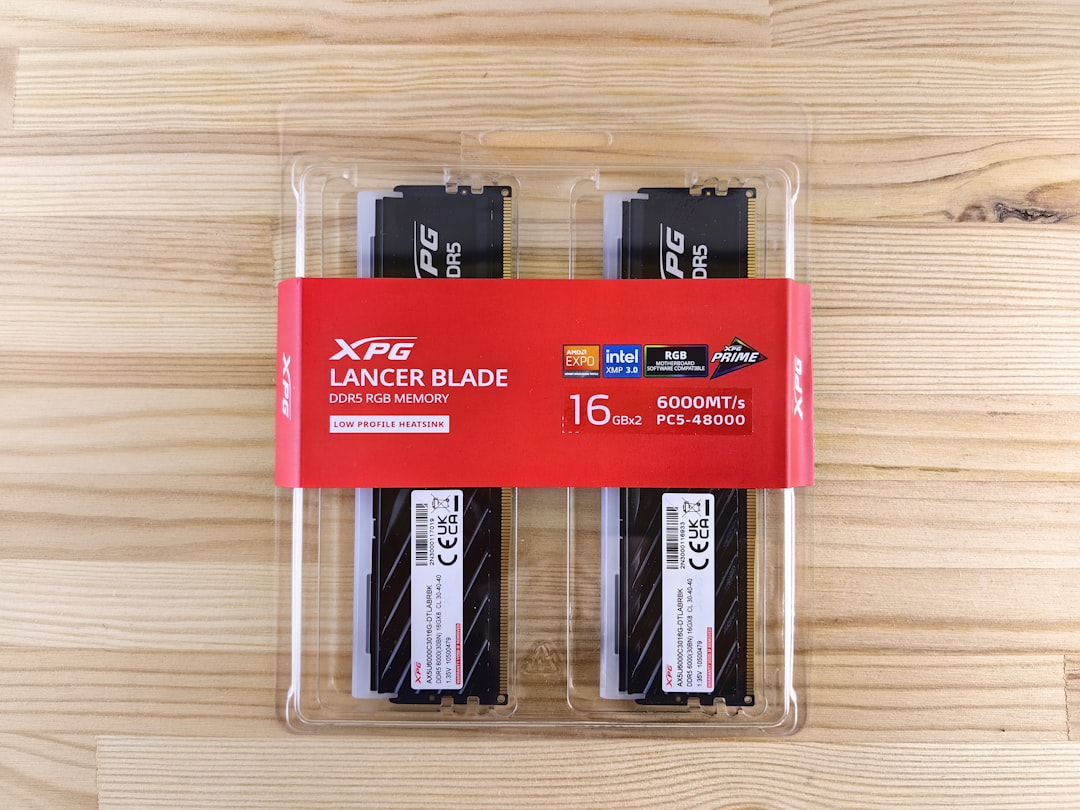
Once you have gathered all your components, it’s time to start building. Begin by preparing your workspace. Make sure you have a clean, static-free environment to avoid damaging sensitive components. Start by installing the CPU onto the motherboard, followed by the RAM. Next, secure the motherboard into the case and install the power supply. After that, you can add the GPU and storage drives. Finally, connect all the necessary cables, ensuring everything is properly secured.
**Testing Your Setup**
After assembling your PC, it’s crucial to test it before diving into your favorite games or applications. Power on your machine and enter the BIOS to check if all components are recognized. From there, you can install your operating system and necessary drivers. Make sure to monitor temperatures and performance to ensure everything is running smoothly.
**The Importance of Buyer Trust**
As you embark on your PC building journey, it’s essential to consider the impact of your purchasing decisions. By choosing components that are Energy Star certified, you not only enhance the efficiency of your setup but also build trust with your suppliers. Certifications like Energy Star provide assurance that the products you are buying meet high standards of energy efficiency and environmental responsibility. This transparency fosters a sense of trust between consumers and manufacturers, encouraging a more sustainable marketplace.
**Maintaining Your PC**
Once your PC is up and running, maintaining it is key to ensuring its longevity and efficiency. Regularly clean your components, update software, and monitor performance. Additionally, consider the end-of-life options for your PC. Many manufacturers offer recycling programs for old components, allowing you to dispose of them responsibly.
**Conclusion**
Building your own PC setup is not just about creating a powerful machine; it’s also an opportunity to make conscious choices that reflect your values. By prioritizing sustainability and ethical sourcing, you can enjoy the benefits of a customized PC while contributing to a healthier planet. As you embark on this journey, remember that every decision counts, and together, we can shape a more sustainable future in the tech industry.